Web Scraping vs. RPA vs. Recorded Website Pulls: What a Small Business Actually Needs
Three Tools, One Vague Goal
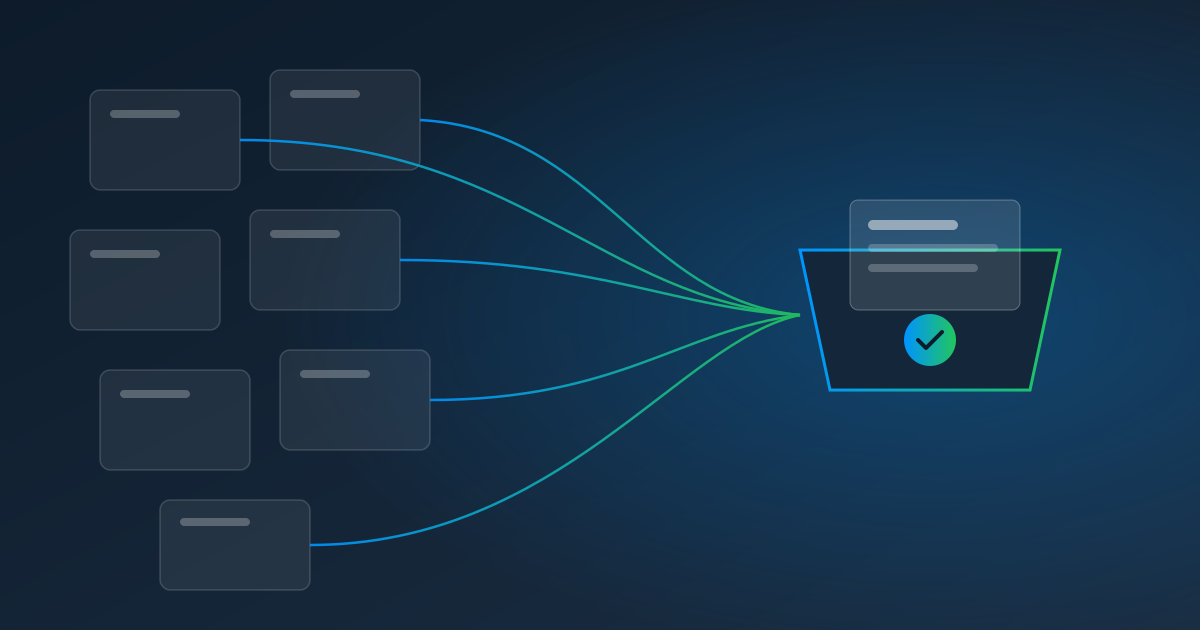
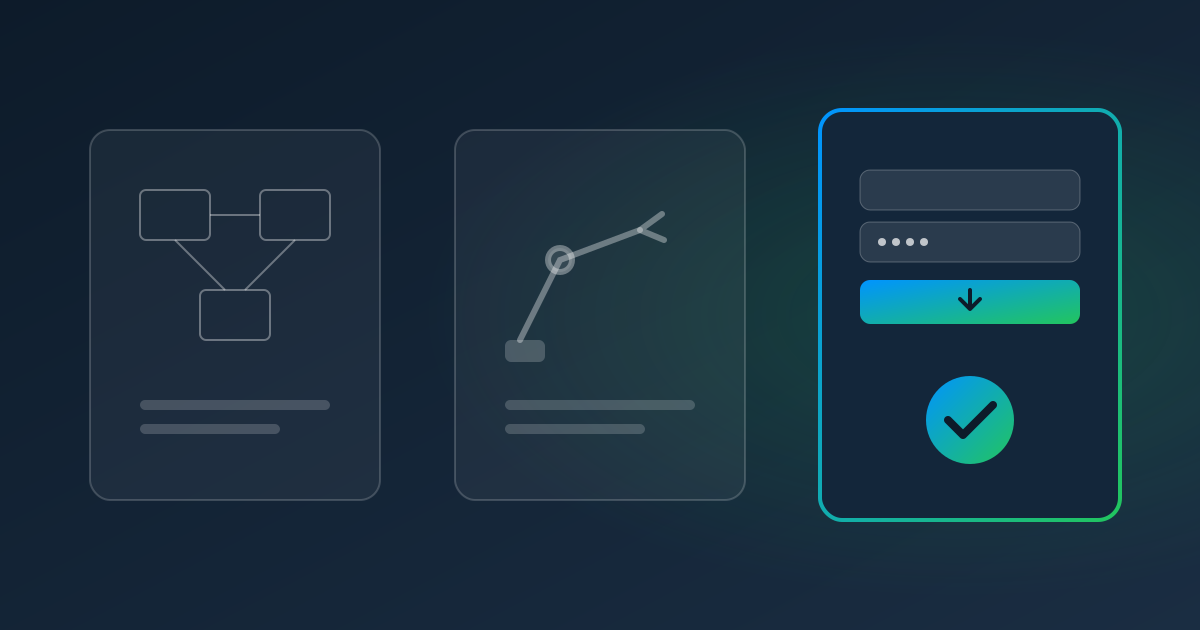
"We need to get data out of a website automatically." That sentence leads people to three very different tools: web scrapers, RPA bots, and recorded website pulls. They overlap just enough to be confusing, and choosing the wrong one usually means paying for capabilities you don't need — or discovering the one you need is missing.
Here's how they differ, in plain English.
Web Scraping: Public Data, at Scale
What it is: software that reads web pages and extracts information from them — usually many pages, often from sites you don't have an account with.
Typical uses: tracking competitor prices, collecting product listings, monitoring public job posts or news.
Strengths: handles volume; great for public, structured pages.
Watch-outs: logins, two-factor codes, and layout changes break scrapers. Scraping other companies' sites raises terms-of-service and legal questions that depend on the site and the data. And a scraper gives you raw data — you still have to clean and use it.
RPA: Automating a Whole Process Across Apps
What it is: bots that mimic a person using a computer — clicking, typing, copying between applications, including desktop software.
Typical uses: moving data between systems that don't integrate, processing forms across several apps, back-office workflows with many steps.
Strengths: very flexible; can automate almost anything a person does on a screen.
Watch-outs: licensing, a specialist to build and maintain bots, and a machine to run unattended bots. Simple login-and-download tasks can end up costing as much as complex ones. (More in RPA for Small Business: What It Really Costs.)
Recorded Website Pulls: Your Accounts, Your Reports, on Schedule
What it is: you record yourself signing in to a website you use and downloading a report, invoice, or statement; a service replays it on a schedule, handles the login, and delivers the file.
Typical uses: vendor invoices and statements, bank and card statements, payroll registers, marketplace and payment reports, utility bills.
Strengths: made for logins — including two-factor codes — and for the recurring "go get this month's file" chore. No code, no bot builder.
Watch-outs: it's for accounts you're authorized to use, not for collecting data from sites you don't have a relationship with. It won't bypass CAPTCHAs.
Pulse AutoPull is a recorded-pull service with extraction built in: every downloaded file flows into Pulse Data Automation, so you get structured data, not just files.
Side by Side
| Web scraping | RPA | Recorded website pulls (AutoPull) | |
|---|---|---|---|
| Main job | Collect public data at scale | Automate multi-app processes | Download your own reports on schedule |
| Whose sites | Often other companies' | Any app you use | Sites you're authorized to sign in to |
| Logins & 2FA | Usually avoided | Engineered per bot | Built in (authenticator & emailed codes) |
| Who builds it | Developer or scraping tool | RPA specialist | You, by recording |
| When the site changes | Breaks quietly | Breaks until fixed | Pauses and alerts a person to fix it |
| Gets data out of the file | Raw HTML/data | Depends on the bot | Template or AI extraction included |
| Pricing model | Tool subscription or dev time | Per bot / per user | $1.00 per website pull + $0.25/page |
A Simple Decision Guide
- "I want to track public information across many websites." → Web scraping.
- "I want to automate a process that jumps between several applications, including desktop software." → RPA.
- "I sign in to the same websites every week or month to download the same files." → Recorded website pulls.
Most small businesses that start this conversation are in the third group. They don't need a scraping platform or a bot program — they need someone to stop logging in to the same portals every Monday.
When a Site Changes
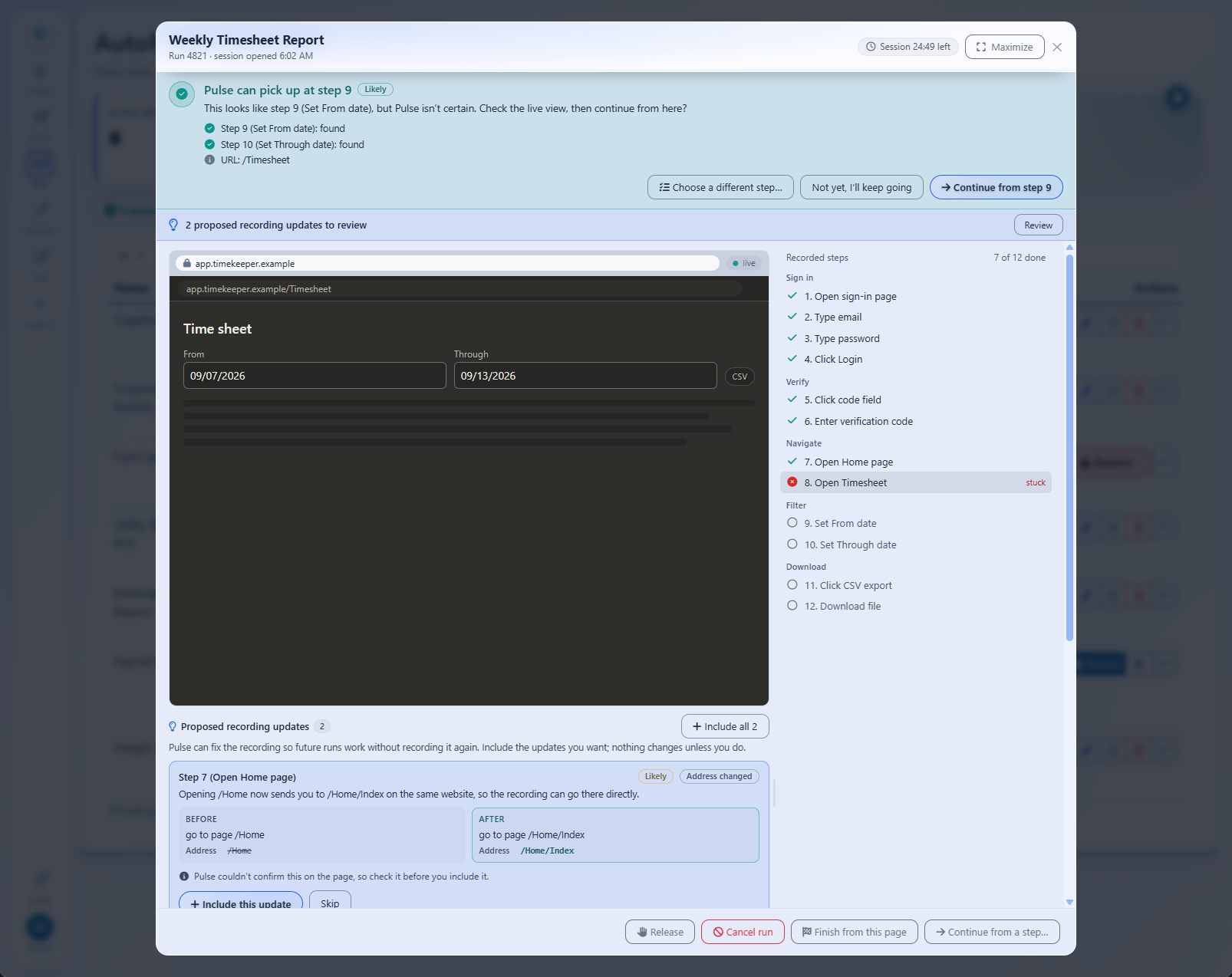
The real test of any website automation is the first redesign. Scrapers and scripts tend to fail silently. RPA bots fail until a specialist fixes them. AutoPull pauses at the step that broke, alerts the teammate you choose, and lets them finish the step in a live view; Pulse then continues the run and proposes a recording update that's only saved if someone approves it.
Try the Simplest Tool That Fits
If your problem is "log in and download," start there. Start a free trial and record your most tedious download — you'll know within one run whether it fits.
Read next: How to Automatically Download Reports From a Website, or learn more about AutoPull.