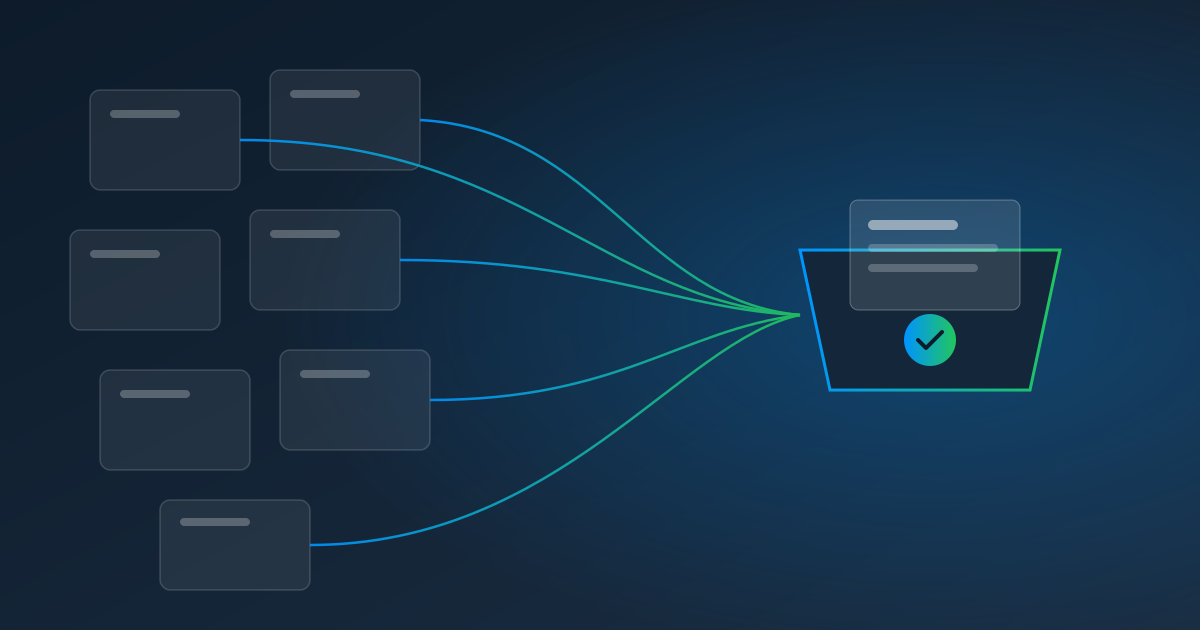
Month-End Close on Autopilot: Pull Every Bank, Card, and Vendor Statement Automatically

The Close Starts With a Scavenger Hunt
Ask a small-business controller or outsourced bookkeeper where month-end time goes, and the answer is rarely "the reconciliations." It's the gathering. Before anything can be reconciled, someone has to collect last month's bank statements, card statements, merchant deposit reports, payroll registers, loan statements, and vendor statements — from a different website for each one, most of them behind a login and a two-factor code.
That gathering phase can eat the first day or two of every close. It's also where things go wrong: a statement downloaded for the wrong period, a card account forgotten, a portal that was down on the day you needed it.
Move the Gathering to the 2nd of the Month — Automatically
The fix is to stop treating document collection as part of the close and start treating it as something that's already done when the close begins. With Pulse AutoPull, each recurring download becomes a scheduled pull:
| Document | Where it lives | Suggested schedule | Date setting |
|---|---|---|---|
| Bank statements | Bank portal | Monthly, 2nd | Last month |
| Card statements | Card issuer portal | Monthly, after the cycle closes | Most recent statement |
| Merchant deposit report | Payment processor dashboard | Monthly, 1st | Last month |
| Payroll register | Payroll provider | Weekly, the day after payday | Last week |
| Loan statement | Lender portal | Monthly | Most recent statement |
| Key vendor statements | Supplier portals | Monthly, 3rd | Last month |
By the time you open the books, every file is already downloaded, named, filed with its run, and — because each one flows through Pulse Data Automation — already turned into structured data.
Dates That Keep Up With the Calendar
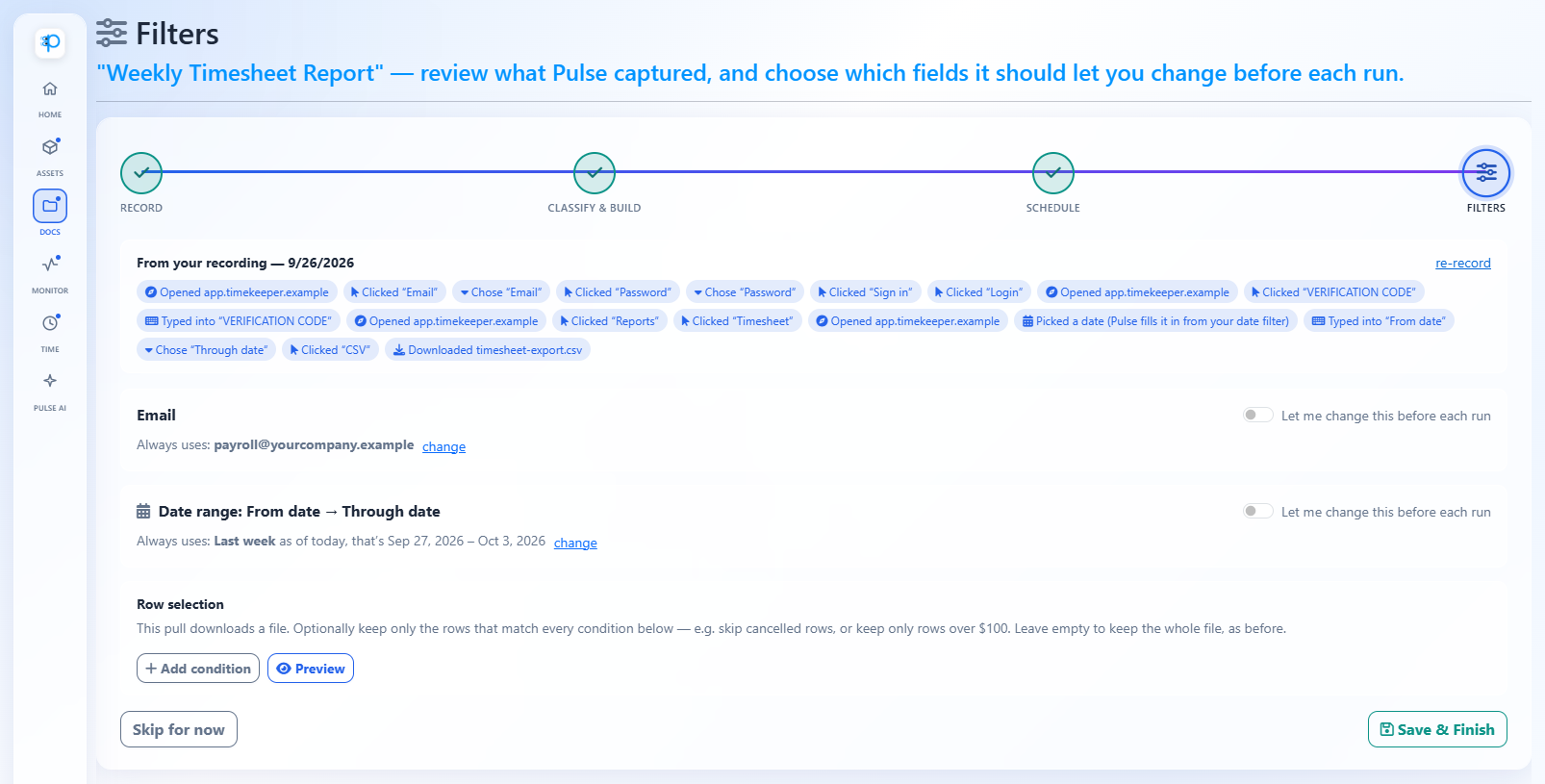
The trick that makes this work is relative dates. When you record a pull, you pick real dates — say, September 1 to September 30. Pulse recognizes that as "last month" and suggests the matching setting, so next month's run picks October automatically. Options include last week, last month, quarter to date, year to date, rolling day ranges, and "most recent option" for portals that list statements in a dropdown.
From Documents to Numbers
Collecting the files is half the job. Extraction does the other half:
- Statements: pull opening and closing balances, total deposits and withdrawals — the numbers your reconciliation ties to.
- Payroll registers: gross pay, taxes, and net pay by period for your journal entry.
- Deposit reports: gross sales, fees, and net deposits for revenue reconciliation.
- Vendor statements: open invoices and balances to match against AP.
Send the extracted data to your accounting system or a close workbook through API and webhooks. If your workbook lives in a connected spreadsheet, Pulse AI can answer questions about it in plain English.
Making It Reliable
- Two-factor codes: choose authenticator-app sign-in wherever a portal offers it; Pulse generates those codes automatically. Emailed codes are read through a forwarding rule. Text-message codes go to a person. (Details in Can You Automate a Login That Uses Two-Factor Authentication?)
- Ask first for sensitive pulls: turn on "Always ask first" for any pull you want a person to approve each time; it waits, unbilled, until someone taps "I'm ready."
- Watch the health dashboard: a quick check on the 3rd confirms everything arrived. If something needs a person, the assigned teammate has already been alerted.
What It Costs
AutoPull is $1.00 per website pull, billed when Pulse pulls from a website, plus $0.25 per page for the documents Pulse reads. A typical small-business close — eight bank and card accounts, a weekly payroll register, a deposit report, and six vendor statements, averaging three pages — is about 19 pulls ($19) plus 57 pages ($14.25): about $33 a month to have every document waiting for you. Run your own numbers on the pricing calculator.
Close Faster by Starting Finished
The fastest close is the one where the first day isn't spent logging in. Start a free trial, set up your statement pulls before the end of the month, and open your next close with everything already there.
Read next: How to Automate Bank Statement Downloads, or learn more about AutoPull.