Hubdoc Stopped Fetching Your Bills. Here's How to Get Automatic Downloads Back
The Feature Bookkeepers Still Miss
For years, one of the most useful things Hubdoc did was log in to your suppliers' websites and fetch new bills automatically. You connected a utility, a phone carrier, or a supplier portal once, and statements simply appeared.
Then it stopped. In early 2022, Xero announced it was retiring Hubdoc's standard fetch connections — the ones that logged in to supplier portals. New connections were switched off on January 31, 2022, and the remaining ones were retired on April 27, 2022. Xero's explanation was that these connections were "outdated and are often blocked by banks and online suppliers" (Xero's announcement).
Hubdoc still offers API-based connections with some institutions and payment platforms, email forwarding, and manual upload. But for the long tail of supplier portals that send nothing by email, many bookkeepers went back to logging in and downloading bills by hand.
Why Portal Fetching Is Hard to Do Well
Xero's reason points at the real problem. Fetching documents from someone else's website means dealing with:
- Logins that change — new sign-in pages, new cookie banners, new "verify it's you" steps.
- Two-factor authentication — more suppliers now ask for a code on every sign-in.
- Layouts that move — the Download button you relied on last month is now under a different menu.
- Blocking — some sites actively block automated access.
A fetch service that maintains connectors for thousands of portals has to keep all of those working at once, for everyone. When it can't, the connector simply breaks.
A Different Model: Record Your Own Portal
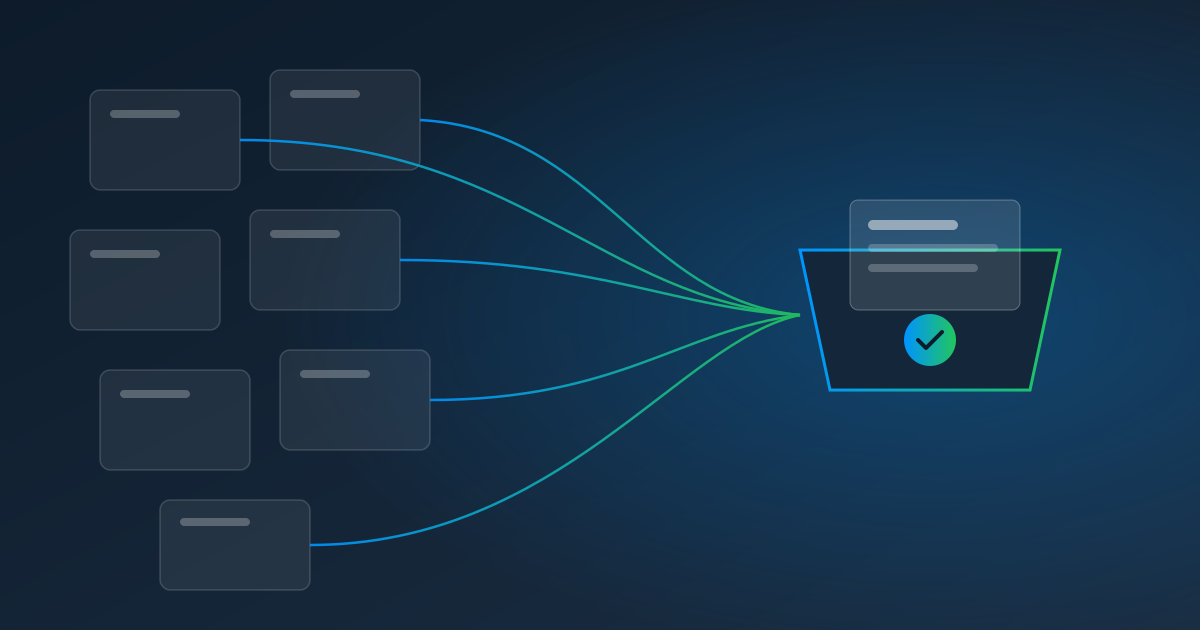
Pulse AutoPull takes a different approach. Instead of maintaining a central list of supported portals, it lets you record the exact steps for each portal you use — in a secure browser inside Pulse — and then replays them on a schedule.
That changes a few things:
- It's not limited to a supported list. If you can sign in and download it, you can record it — regional utilities and niche suppliers included.
- Two-factor is part of the setup. Tell Pulse whether the portal emails you a code, uses an authenticator app, or texts you. Authenticator-app and emailed codes are handled automatically; text codes go to a person.
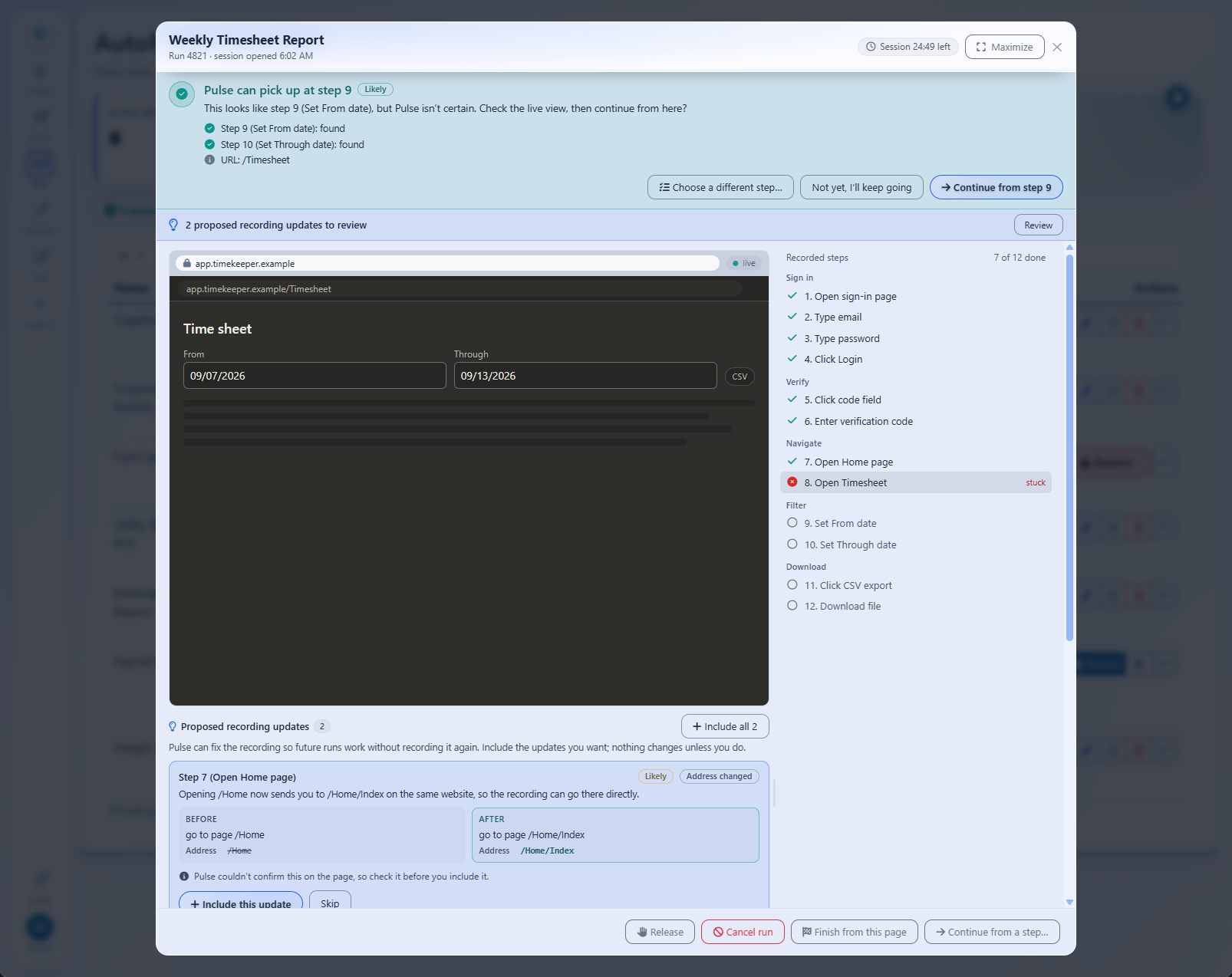
- Breakage gets a person, not a dead connector. When a portal changes, Pulse pauses at the step that broke and alerts the teammate you assign. They finish it in a live view, Pulse continues, and an approved fix can be saved to the recording.
- Extraction is built in. Every downloaded bill flows into Pulse Data Automation, so you get the vendor, amount, and due date as data — not just a PDF in a folder.
How Bills Get Back Into Your Accounting System
Pulse delivers extracted data through its API and webhooks. Many firms send it to their accounting system through a connector like Zapier or Make, or into a spreadsheet for review. Keep forwarding emailed bills to your existing tools if that's working — AutoPull is for the portals that only offer a login.
Honest Comparison
| Hubdoc today | Pulse AutoPull | |
|---|---|---|
| Supplier portal logins | Standard fetch retired in 2022 | Record any portal you're authorized to use |
| API connections (selected institutions) | Yes | Not needed for portal pulls |
| Two-factor codes | — | Authenticator & emailed codes automatic; SMS needs a person |
| When a site changes | — | Pauses, alerts a teammate, resumes |
| Data extraction | Key fields (supplier, date, total) | Template or AI extraction of any fields, $0.25/page |
| Pricing | Included with Xero subscriptions | $1.00 per website pull, plus pages |
Hubdoc details are from Xero's public announcement; check Xero's current documentation for what your plan includes.
AutoPull isn't a drop-in Hubdoc replacement — it doesn't include Hubdoc's native Xero publishing. What it gives back is the part that went away: automatic downloads from the supplier portals you log in to.
What It Costs
AutoPull is $1.00 per website pull, billed when Pulse pulls from a website, plus $0.25 per page for the bills Pulse reads. Fifteen supplier portals pulled monthly, with one-page bills, runs about $18.75 a month. No seats, no minimums, and the first 30 days are a free trial.
Get Your Fetch Back
Make a list of the portals you've been logging into by hand since 2022. Start a free trial, record the first one, and let next month's bill fetch itself.
Read next: How AP Teams Automate Vendor Portal Invoice Downloads, or learn more about AutoPull.