Downloading Utility Bills for 50 Locations Without 50 Logins
Every Location Has Its Own Login
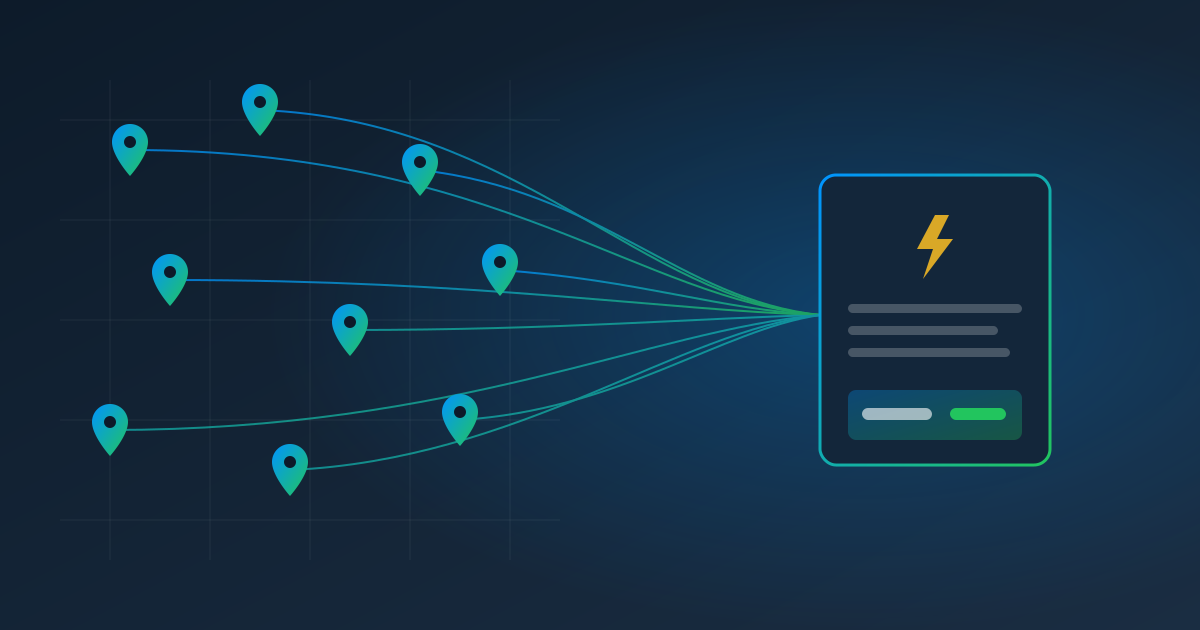
If you run more than a handful of locations — restaurants, retail stores, clinics, franchise units, rental properties, branch offices — you know the utility bill problem. Every location has its own electric, gas, water, and waste account. Each account has its own portal login. And each month, somebody has to sign in to every one of them, download the bill, and get it into accounts payable before the due date.
At 50 locations with three utilities each, that's 150 logins a month. It's the kind of work that's too small to hire for and too big to do well, so bills slip. A missed utility bill means late fees at best and a service interruption at worst — and the energy data your sustainability or budgeting team wants never gets compiled at all.
Why This Is a Perfect Job for Automation
Utility bills are a near-ideal automation target:
- The steps are identical. Every account at the same utility uses the same portal: sign in, open Billing, download the latest bill.
- The schedule is predictable. Bills post on roughly the same day each month.
- The data is valuable. Amount due, due date, service period, and usage (kWh, therms, gallons) are all on the bill.
The only things that change from location to location are the login and the account number. That's exactly what a recorded pull is good at.
Record Once, Clone to Every Location
With Pulse AutoPull, the setup for 50 locations looks like this:
- Record one location. Sign in to the utility's portal in a secure browser inside Pulse, go to the latest bill, and download it. Each click becomes a step.
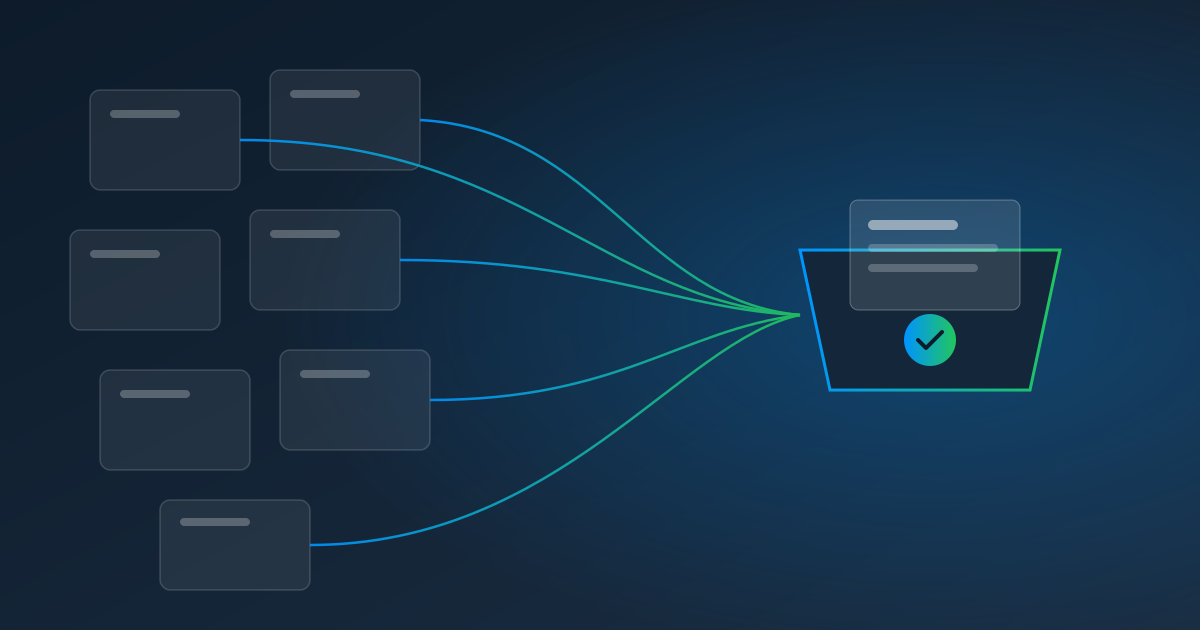
- Clone it to the rest. Use Duplicate to copy that recording to up to 100 similar accounts at once. Paste a list of addresses, or upload a CSV where each row carries that location's login and any filter values — so every clone gets its own credentials.
- Schedule them. Monthly, on the day the utility usually posts, in your time zone. Clones start paused, so you can review them before they go live.
- Extract the numbers. Every bill flows into Pulse Data Automation, where a template or an AI prompt pulls out the location, account number, amount due, due date, and usage.
- Send it where it goes. A webhook delivers each bill's data to your accounting system or a spreadsheet — ready for approval and for your energy reports.
Repeat once per utility provider. Ten providers across 50 locations is ten recordings, not 150.
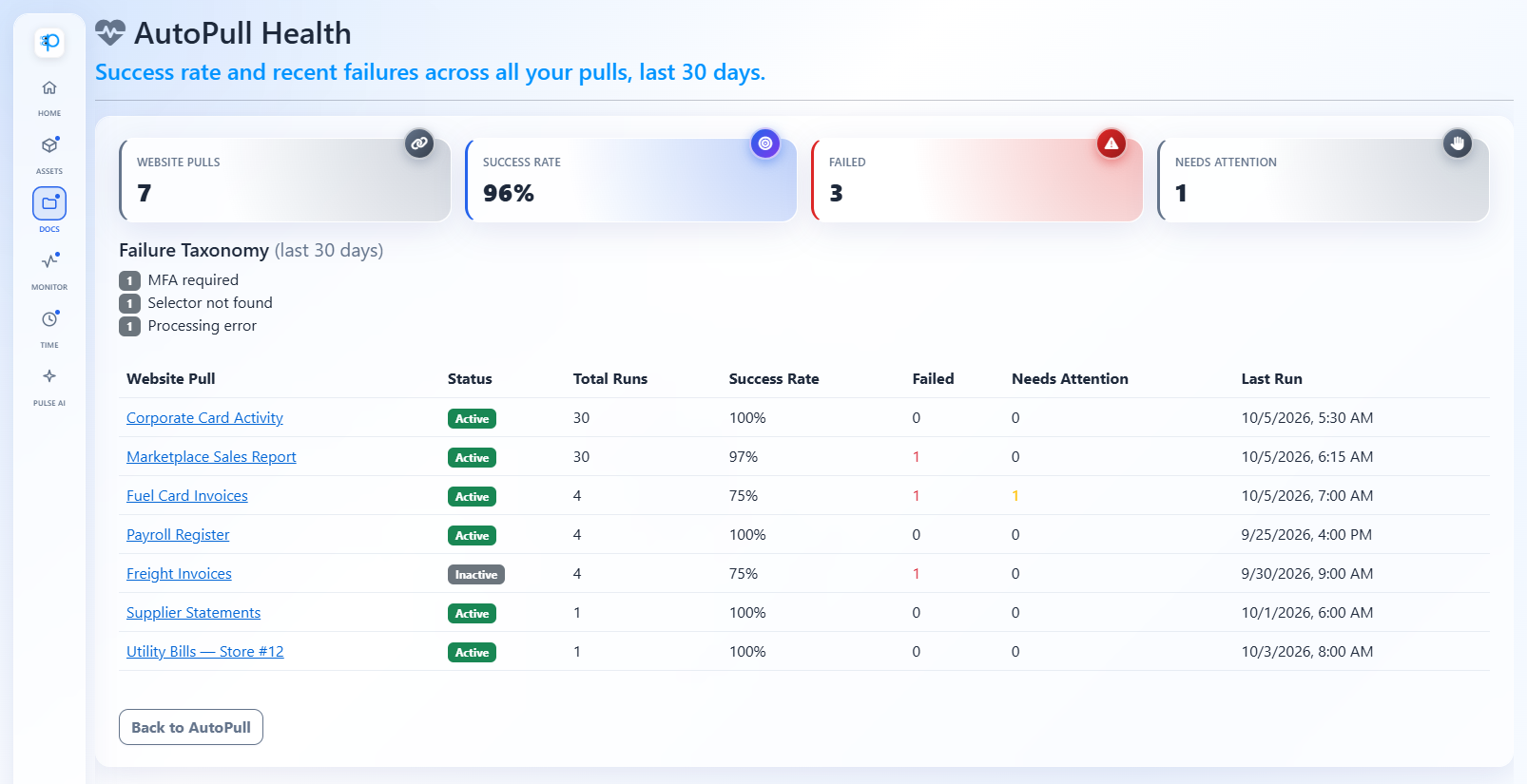
Keep an Eye on 150 Bills Without Checking 150 Portals
The health dashboard shows every pull's success rate over the last 30 days and groups failures by type — for example, "MFA required" or "Selector not found" — so you can see at a glance which provider needs attention. If a utility redesigns its site, its pulls pause at the step that changed instead of failing silently: a teammate finishes each one in a live view, and the recording updates they approve keep future runs on track.
Tips for Multi-Location Teams
- Name pulls consistently, like "City Electric — Store 12," so the list and the alerts are easy to scan.
- Assign responders by region so the right person hears about a portal that needs a code or a fix.
- Use the authenticator-app option wherever a utility offers two-factor sign-in; Pulse generates those codes automatically.
- Test a clone before it goes live. Clones start paused; run one on demand to confirm the login works (each run is a normal $1.00 pull), then switch the rest on.
What It Costs
AutoPull is $1.00 per website pull, billed when Pulse pulls from a website, plus $0.25 per page for the bills Pulse reads. For 50 locations × 3 utilities with two-page bills, that's $150 in pulls plus $75 in pages — about $225 a month to replace 150 manual logins. No seats or minimums; model it on the pricing calculator.
The Honest Fine Print
Only automate accounts you're authorized to use, and follow each utility's terms. Some utility portals use CAPTCHAs at sign-in; AutoPull doesn't bypass them, so those providers aren't a fit. Text-message codes need a person to type them in.
Start With Your Biggest Utility
Pick the provider with the most accounts. Start a free trial, record one location, clone it to the rest, and watch next month's bills arrive on their own.
Read next: How AP Teams Automate Vendor Portal Invoice Downloads, or learn more about AutoPull.