Stop Logging Into 20 Vendor Portals: How AP Teams Automate Invoice Downloads
Invoices Used to Come to You. Now You Go Get Them.
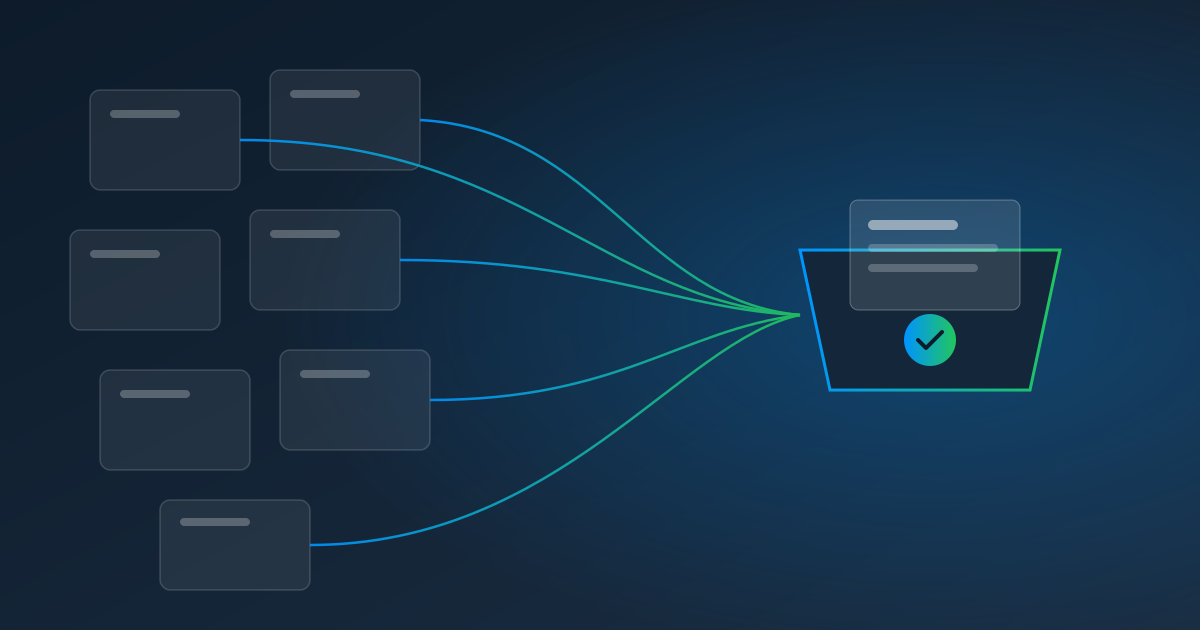
Ask anyone in accounts payable what changed over the last few years and you'll hear the same thing: invoices stopped arriving. Utilities, telecom carriers, fuel-card providers, software vendors, freight carriers, and big suppliers increasingly post invoices and statements inside a customer portal instead of emailing them. Each portal has its own login, its own navigation, its own download button — and often its own two-factor prompt.
For a small AP team, that turns into a monthly scavenger hunt. Twenty portals at ten minutes each is more than three hours of logging in before a single invoice has been entered. Miss one, and you find out when the late fee shows up — or when the early-payment discount quietly expires.
Why Portal Invoices Are Harder Than Emailed Ones
An emailed invoice is easy to automate: forward it to an inbox and let software read it. A portal invoice has three extra steps in front of it — sign in, find it, download it — and those are exactly the steps most invoice-processing tools skip. They're excellent at reading invoices and rarely help with getting them.
That's why so many teams have a well-automated invoice workflow that still starts with a person and a list of passwords.
Your Options for Automating Portal Downloads
Ask the vendor to email instead. Always worth a try. Some vendors will add you to an email distribution; many won't, or will only send a "your invoice is ready" link that leads back to the portal.
Use a fetch tool with a supported-portal list. Some bookkeeping tools can fetch documents from a list of supported suppliers. If every one of your vendors is on the list and their portals stay compatible, that can work. The catch is the long tail: regional utilities, niche suppliers, and carriers that aren't on anyone's list.
Build scripts or RPA bots. Powerful, but each portal becomes a small software project — and two-factor logins and redesigns make them fragile.
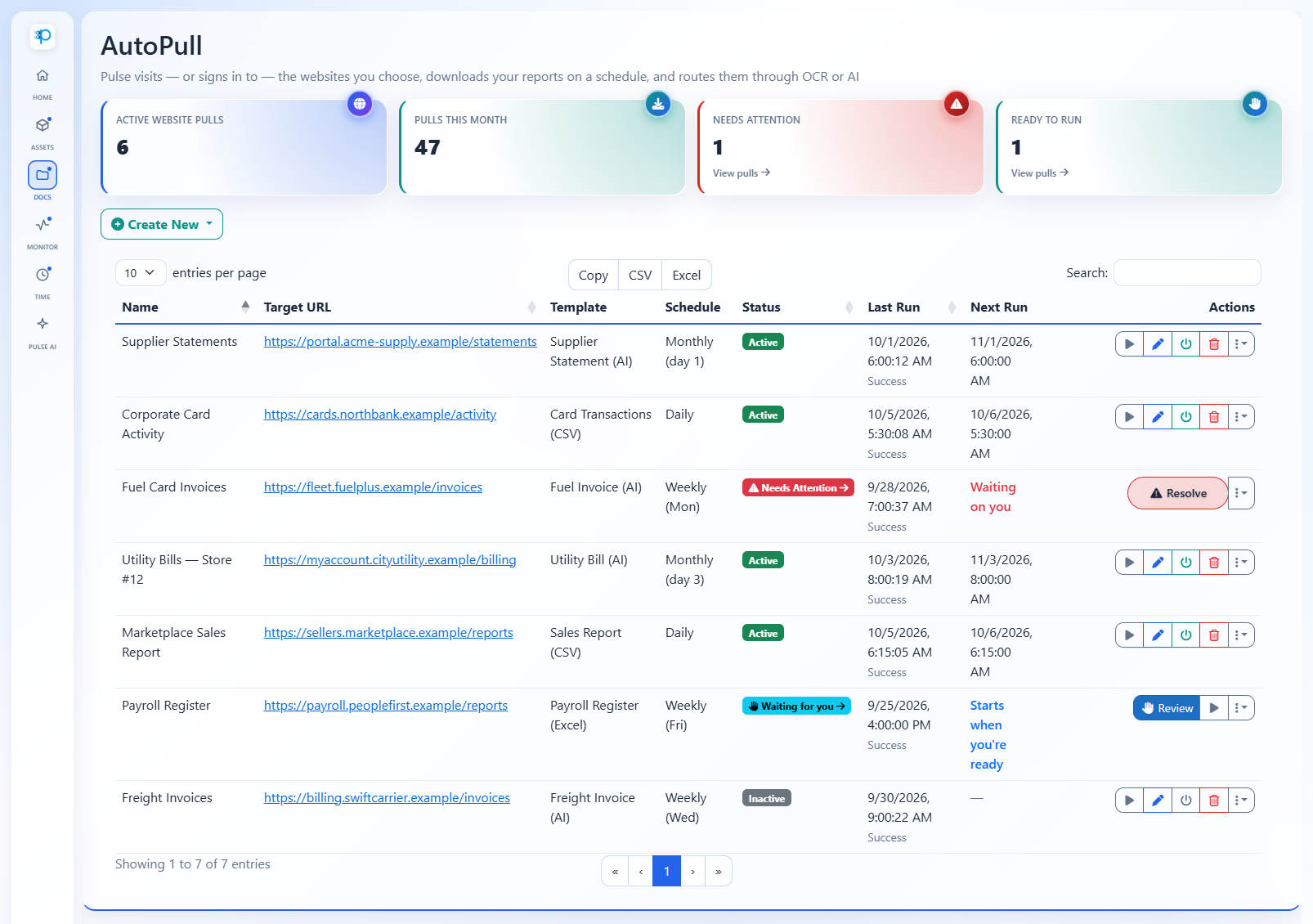
Record each portal once with AutoPull. Pulse AutoPull works with portals you can sign in to, not a fixed list. You record the steps once in a secure browser; Pulse replays them on schedule, downloads the invoices, and sends them straight into extraction.
A Hands-Off AP Intake Workflow
Here's what a fully automated portal-to-ledger flow looks like with Pulse:
- Pull. AutoPull signs in to each vendor portal on the schedule that matches the vendor's billing cycle, handles the two-factor code, and downloads new invoices and statements — several files per pull if needed.
- Extract. Every file flows into Pulse Data Automation. Use a template for vendors with consistent layouts or an AI prompt for everything else — both are $0.25 per page.
- Deliver. A webhook hands the extracted vendor, invoice number, due date, totals, and line items to your accounting system as a draft bill — directly or through a connector like Zapier or Make.
- Exception handling. If a portal changes or asks for something unexpected, Pulse pauses and alerts the teammate you've assigned. They finish the step in a live view; Pulse continues and can remember the fix.
Nobody logs in. Nobody re-keys. And the run history shows exactly which invoices were collected and when.
Practical Tips From Teams Doing This
- Match the schedule to the vendor. Monthly billers on the 2nd or 3rd of the month; weekly freight invoices on Mondays. Running more often than the vendor posts just costs pulls.
- Use relative dates. If a portal makes you pick a date range, set it to "last month" or "last week" so every run grabs the right period.
- Filter big exports. If a portal only offers a giant CSV of every transaction, add row rules — for example, keep only rows where the status equals "Open" — so you only process what matters.
- Clone similar portals. Many vendors use the same portal software. Record one, then duplicate it for up to 100 similar accounts from a list, each with its own login.
- Assign responders. Decide who should hear about a portal that needs attention, so alerts don't go to everyone.
- Prefer authenticator apps. If a portal offers authenticator-app two-factor, choose it — Pulse can generate those codes automatically.
What It Costs
AutoPull is $1.00 per website pull, billed when Pulse pulls from a website. Reading the invoices is the standard $0.25 per page. For twenty vendor portals pulled monthly with two-page invoices, that's $20 in pulls plus $10 in pages — $30 a month to retire a multi-hour monthly chore. There are no seats or minimums; plug in your own numbers on the pricing calculator.
The Honest Fine Print
AutoPull is for portals you're authorized to use, and you're responsible for following each portal's terms. It doesn't solve CAPTCHAs, so a portal that throws one at every login isn't a fit. Text-message codes need a person to type them in; authenticator-app and emailed codes are automatic.
Start With Your Three Worst Portals
Every AP team knows which portals are the most annoying — the ones with the slowest logins and the most clicks. Start a free trial, record those three, and see what a month without logging in feels like.
Learn more about AutoPull, or read How to Automatically Download Reports From a Website.