
Transactions Are Automated. Statements Usually Aren't.
Most businesses have already automated transactions. Bank feeds and aggregators pull activity into accounting software every day. But the monthly statement — the official PDF with the opening balance, closing balance, and the bank's own record of the month — is still downloaded by hand in a surprising number of finance teams.
And it still matters. Bank reconciliations tie to the statement's ending balance. Auditors and tax preparers ask for statements, not feed exports. Lenders want the last three or six months of statements for a line of credit. Card programs post monthly statements that don't always match the feed line for line.
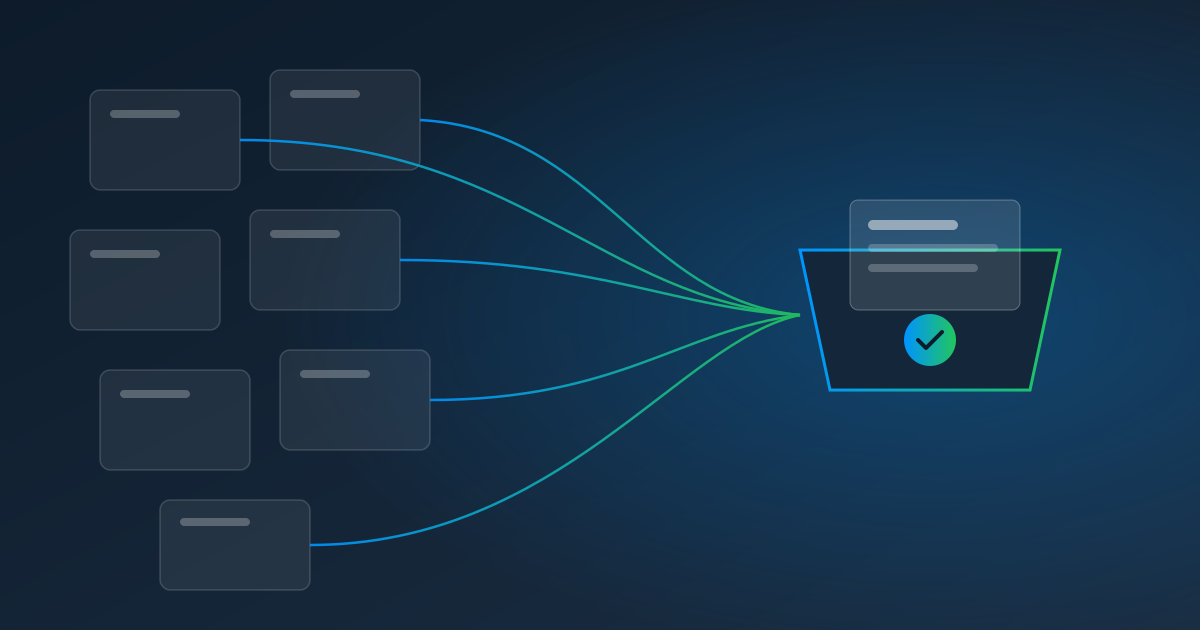
So on the first business day of the month, someone signs in to each bank and card portal, enters a code from their phone, picks last month, downloads the PDF, and files it. For a business with a few operating accounts, a savings account, a couple of corporate cards, and a merchant account, that's a dozen logins every month.
Two Different Problems, Two Different Tools
It helps to separate the two kinds of bank data:
- Live transaction data. Best handled by a direct connection. If your bank works with an aggregator like Plaid or supports OFX, a connection is the most reliable way to get transactions flowing. Direct bank connections in Pulse AI are coming soon; today, Pulse AI reads the transaction files you upload (OFX, QFX, or CSV).
- Statement documents and portal-only exports. The PDF statement, the monthly CSV that the bank only offers behind a login, the merchant-processor deposit report. These are documents you download — which is what Pulse AutoPull automates.
Use both: connections for the daily stream, automatic pulls for the monthly documents.
The Two-Factor Question
Banks are the most likely sites to ask for a second factor, so it's worth knowing which kind yours uses — usually listed under the security settings:
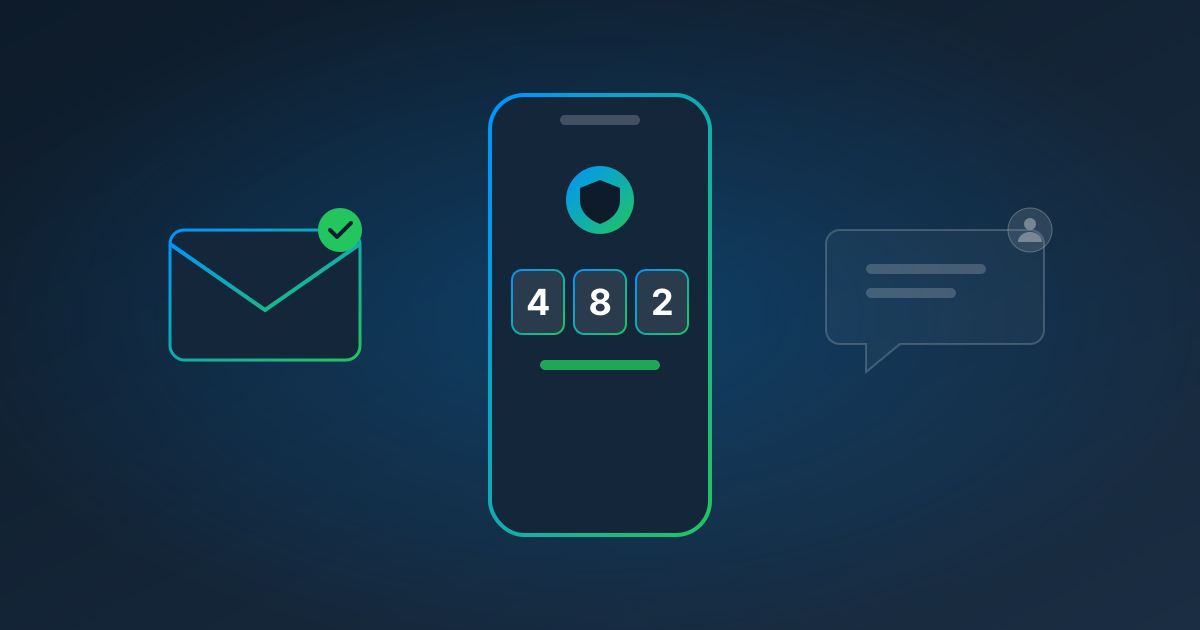
- Authenticator app (a six-digit code that changes every 30 seconds): Pulse can generate these codes automatically once you save the setup key — the same one your phone uses.
- Emailed code: Pulse reads it automatically through a forwarding rule you set up for that sender.
- Text message: can't be read automatically. Pulse pauses and asks a teammate to type the code into a live view, then finishes the pull.
If your bank offers an authenticator-app option, it's the one to choose: it's more secure than text messages and lets the pull run unattended. For the full explanation, read Can You Automate a Login That Uses Two-Factor Authentication?
Setting Up an Automatic Statement Pull
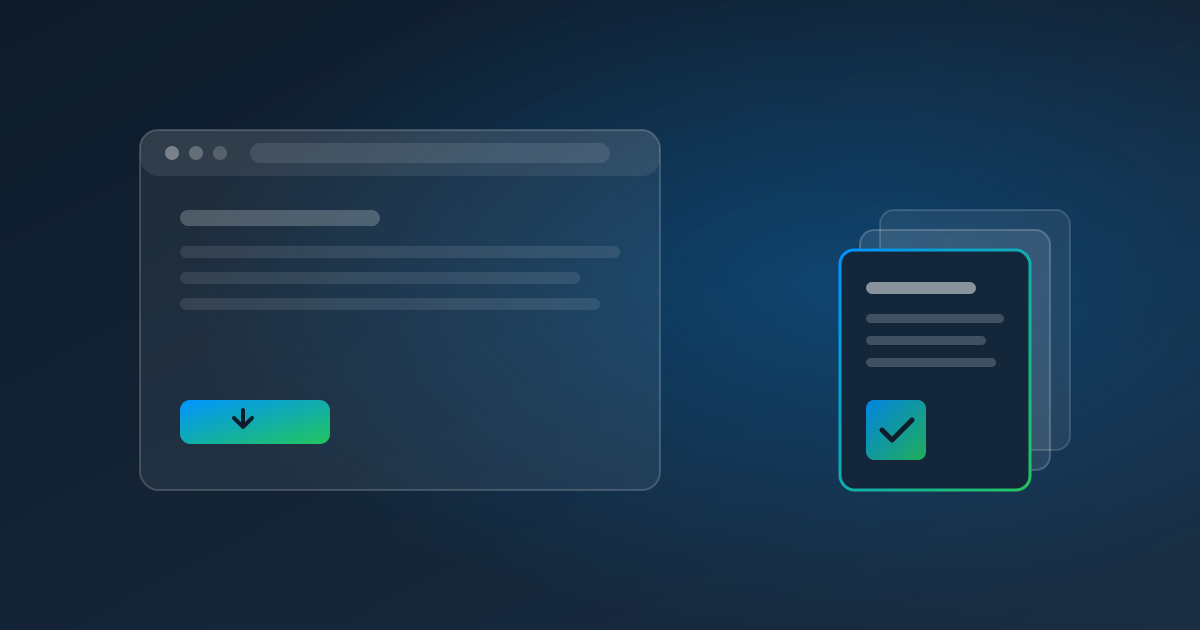
- Record the download once. In Pulse, start a recording, sign in to the bank's portal, go to Statements, pick last month, and download the PDF — exactly as you'd do it by hand. Passwords and codes are masked in the recording.
- Save the login and the code method. Credentials and authenticator keys are encrypted with AES-256-GCM using keys specific to your account and are only used while a pull runs.
- Make the date relative. Pulse recognizes the month you picked and suggests "last month," so each run grabs the right statement.
- Schedule it. The 2nd or 3rd of each month usually works well — after the bank has posted the statement.
- Extract the numbers. Each statement flows into Data Automation, where a template or an AI prompt pulls out the opening balance, closing balance, deposits, and withdrawals for your reconciliation.
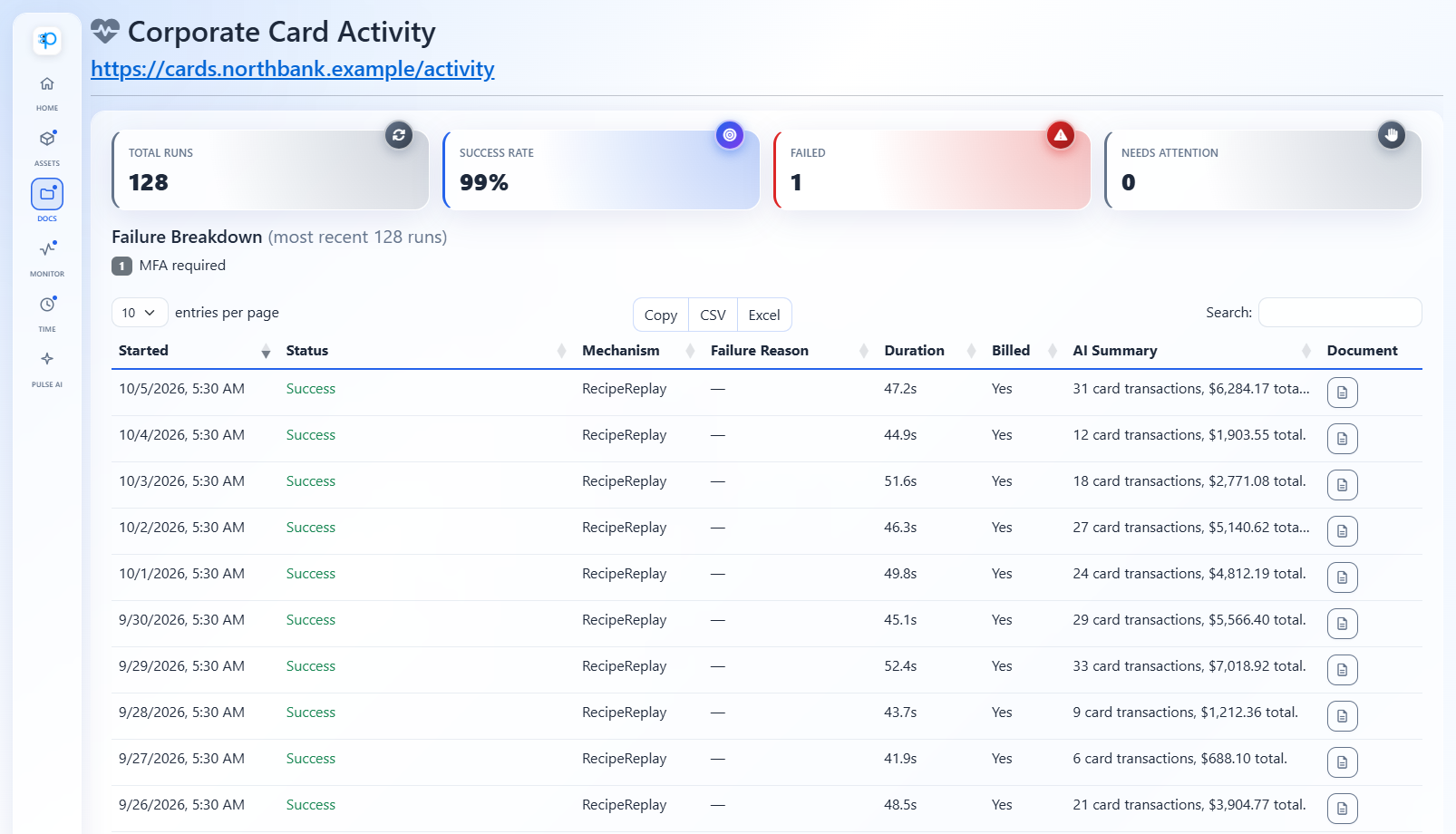
Every run lands in the run history with the document it produced, so when an auditor asks for March, it's one click away.
Be Realistic About Banks
Some banks are more automation-friendly than others. A few protect their sign-in pages with CAPTCHAs or block automated browsers outright; AutoPull doesn't try to get around either, so those banks aren't a fit. And you're responsible for following each bank's terms of use — only automate accounts you're authorized to access. For most business banking and card portals, a recorded pull with authenticator-app or emailed codes works well; for the rest, a person can step in when prompted.
What It Costs
AutoPull is $1.00 per website pull, billed when Pulse pulls from a website, plus $0.25 per page for the statements Pulse reads. Twelve accounts pulled monthly with four-page statements cost $12 in pulls plus $12 in pages — $24 a month for a statement binder that fills itself. Try your own numbers on the pricing calculator.
Close the Month With the Statements Already There
Statements are the one month-end document every reconciliation needs and nobody enjoys collecting. Start a free trial, record your busiest bank portal, and let next month's statement download itself.
Read next: Month-End Close on Autopilot, or learn more about AutoPull.